Beta Test
Commute with Confidence.
Report what you see to help the community. Your crowd updates make navigating Metro Manila’s railways easier for everyone.
For academic purposes only. By downloading, you agree to our Terms of Use and Data Privacy Policy.
Get Started
User Guide.
Everything you need to know about reporting crowd levels and viewing visuals within the mobile application.
01
How to report.
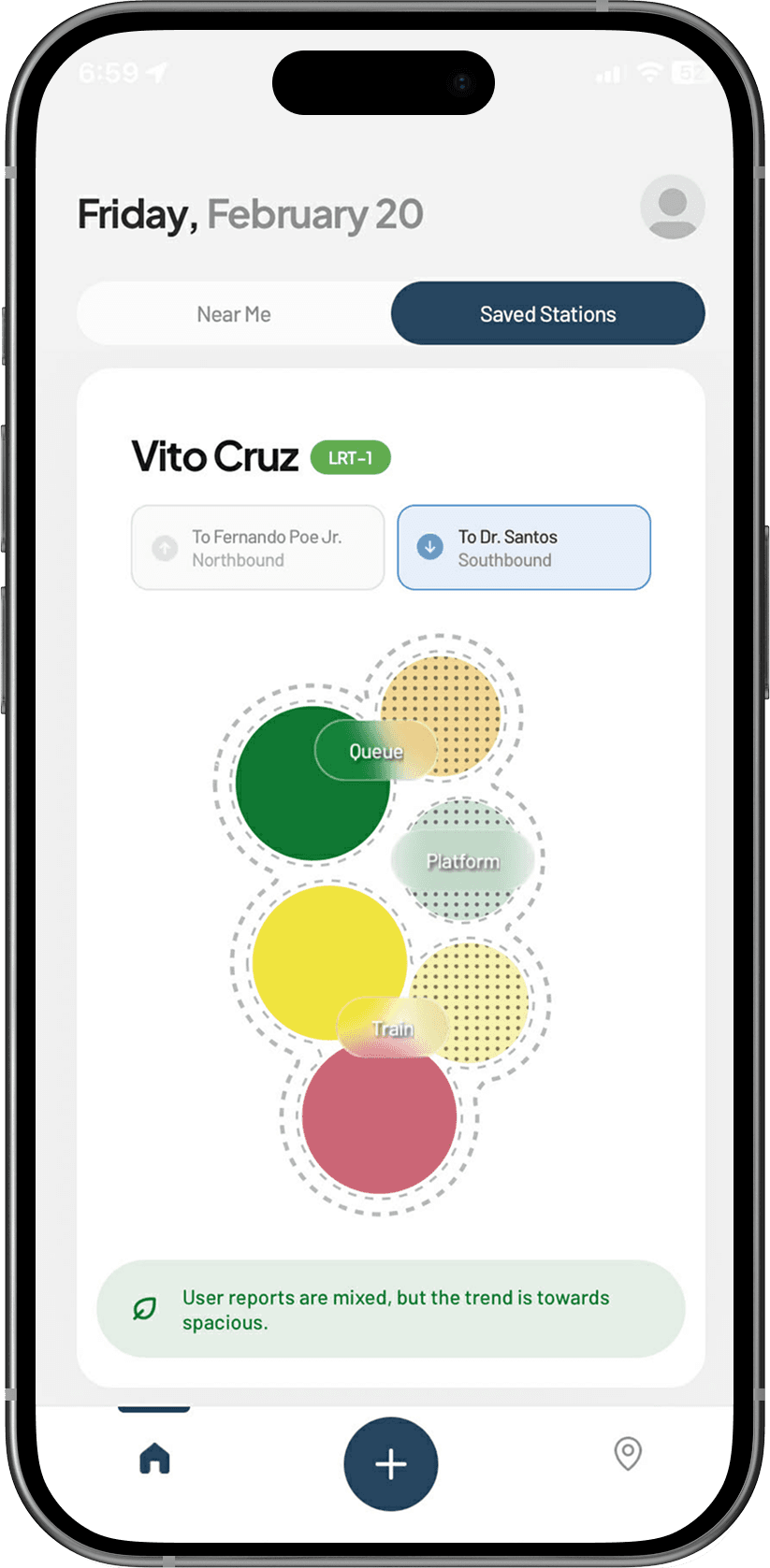
Tap the '+' button below. Select area, report the current crowd level and submit.
02
How to view.
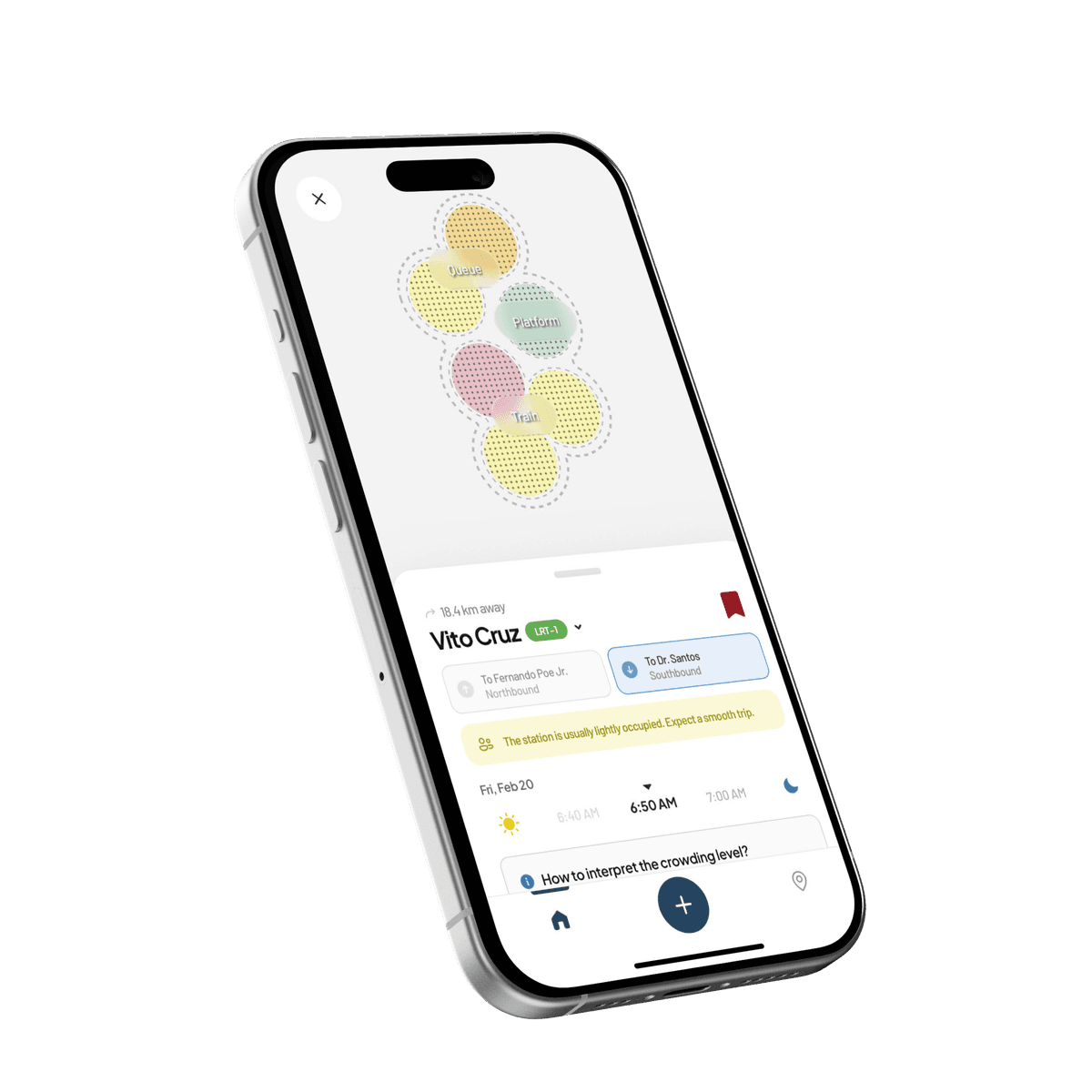
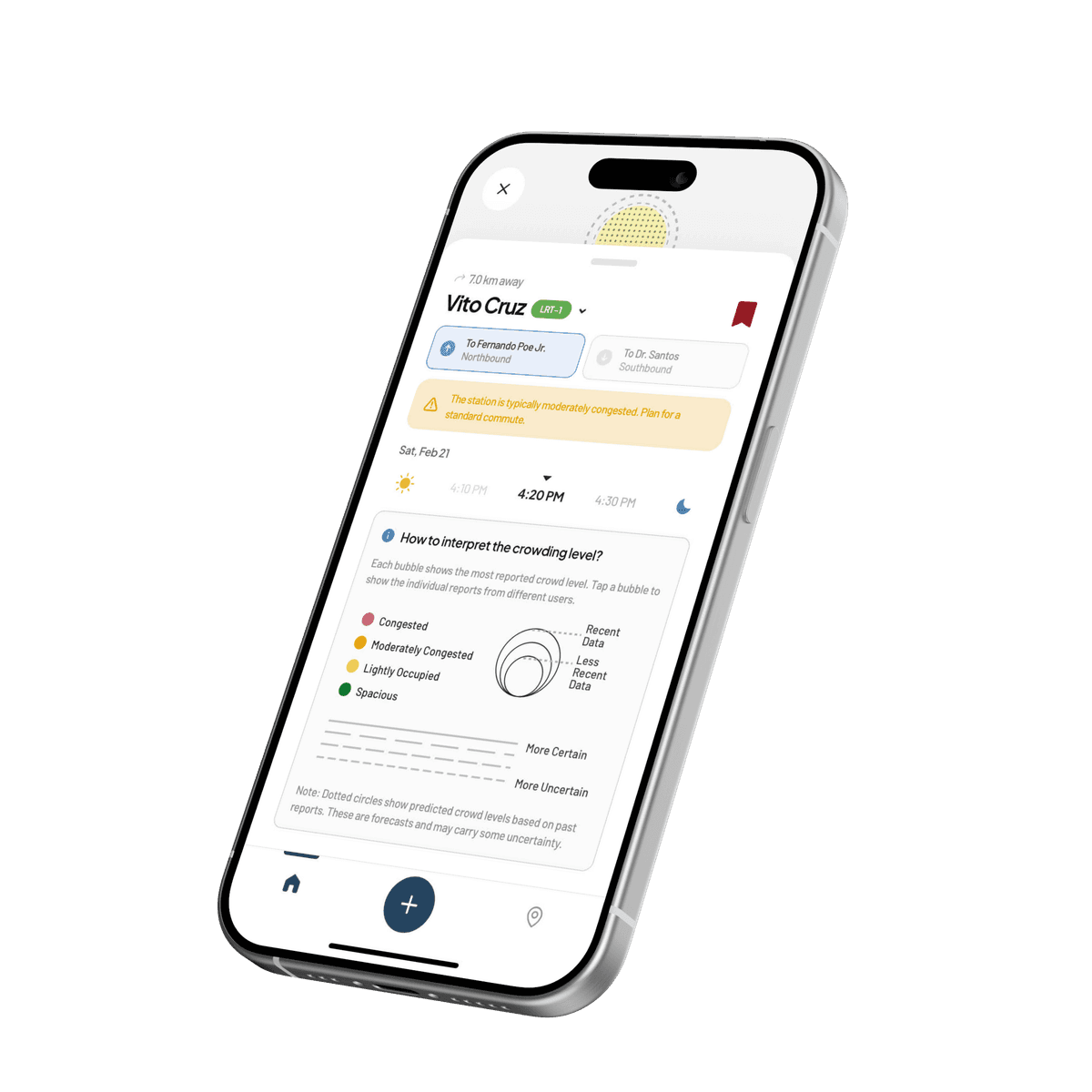
Check for nearby or saved stations to see real-time crowding data.
03
Report a bug.
If the app crashes or you encounter an error, use the report button located in your profile settings to send a report directly to our team.
We're listening
Share your thoughts.
Got a suggestion, encountered an issue, or just want to say hi? Let us know! Your feedback helps us improve CrowdCast.